
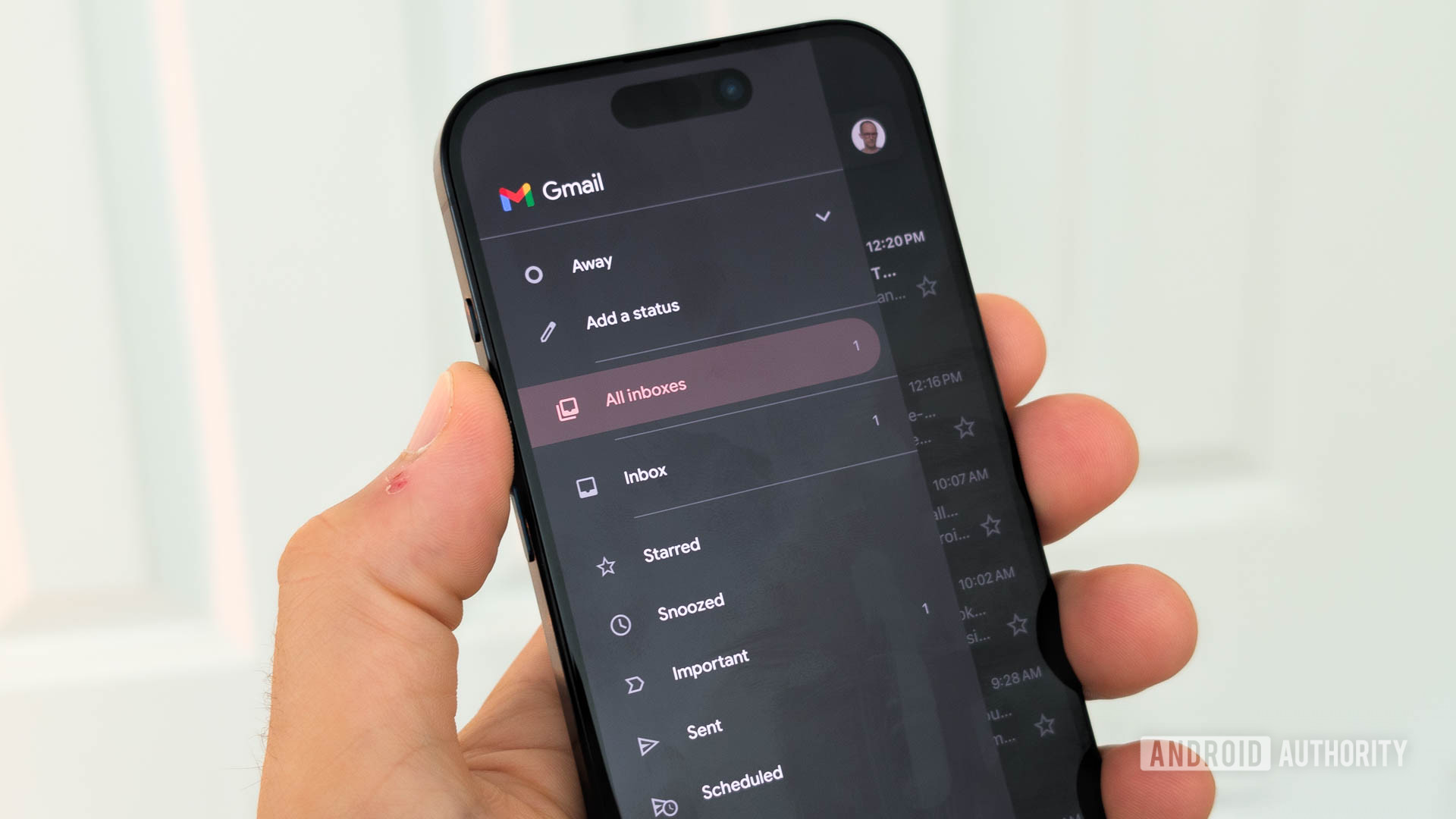
Credit: C. Scott Brown / Android Authority
TL;DR
- Gmail users will now be able to edit and revise email drafts via the prompt bar.
- Using the custom refine instructions in Help Me Write, you can type a follow-up prompt to describe what you want changed.
- This feature is available for Google AI Plus, Pro, and Ultra users, in addition to Enterprise and Business customers.
When you need help writing out an email, Google’s “Help Me Write” tool is right there to help out. The Gemini-powered Gmail feature can whip up a draft with just a simple prompt. However, as it is an AI tool, it won’t always nail down exactly what you’re looking for. Google is attempting to solve this problem by rolling out a new update.
In a blog post, Google announced that Gmail users can now edit and revise email drafts via the prompt bar. Using the custom refine instructions in Help Me Write, you can now type out a follow-up prompt to refine your draft and undo or redo any edits you make. For example, you could tell the AI to include a missing detail in the second line or add a deadline to the message.
from Android Authority https://ift.tt/UgS6ETm

